Why More Powerful AI Models Make Over-Engineering Worse
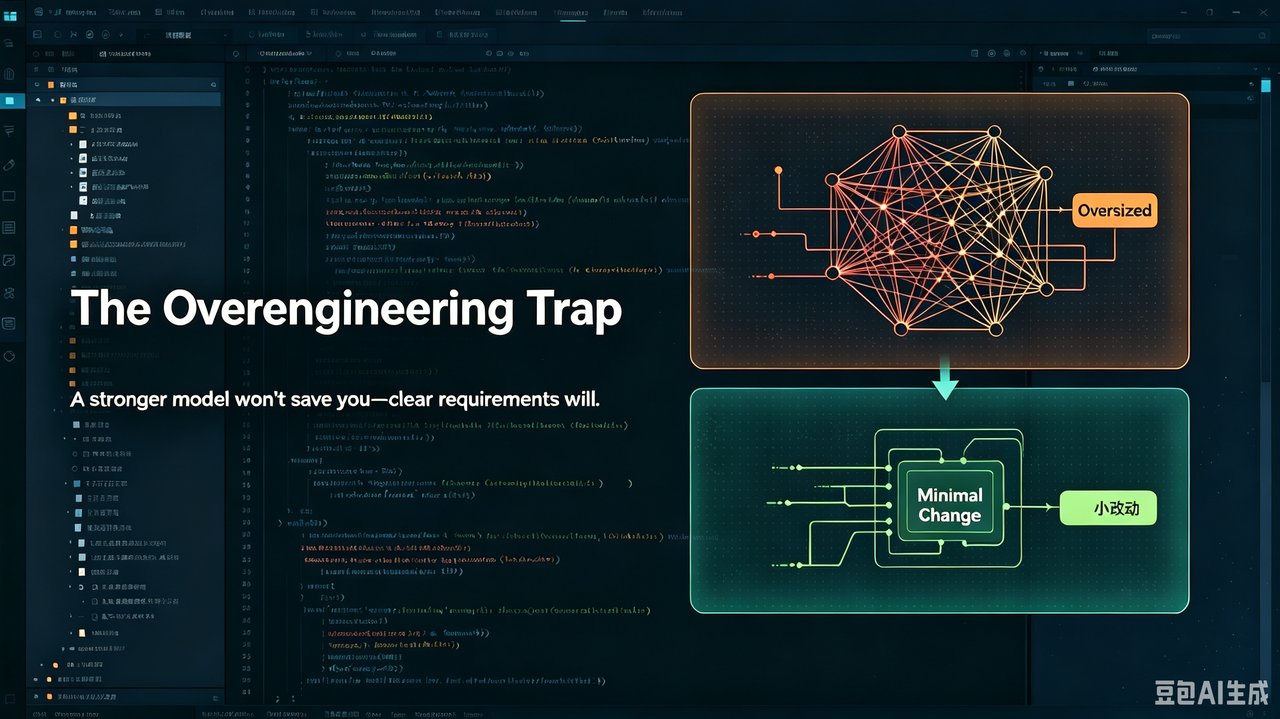
Here’s a counterintuitive finding from real-world AI-assisted bug fixing:
More powerful AI models are MORE likely to over-engineer simple fixes — not less.
When you ask a full-capability model (like DeepSeek 4.0 Pro or GLM-5.2) to fix a simple bug, it often comes back with an overly complex refactoring proposal. Each step seems “reasonable,” but none were requested.
Why This Matters
This defect is counterintuitive and deceptive: large refactoring proposals look “professional, comprehensive, and well-intentioned,” but they turn simple problems into complex ones, cause scope to spiral out of control, and dramatically increase regression risk. Many people then fall into another trap — thinking “a stronger model would fix this” — which only makes things worse.
What You’ll Learn
- Upgrading to a stronger model won’t fix over-engineering — the more capable the model and the larger the context, the more likely it is to over-engineer when requirements are vague. The fix isn’t a stronger model; it’s clearer requirements.
- Clear requirements + explicit scope constraints are the core solution — limiting the change scope in your prompt and requiring “prefer minimal changes and explain why a larger change isn’t needed” is more effective than any model upgrade.
- Question large refactoring proposals — default to “minimal change,” treat “scope expansion” as an exception that requires extra proof.
Background & Selection Considerations
Choosing a fix approach for a bug is fundamentally a tradeoff between change scope and change correctness. Ideally, a simple bug should be fixed with minimal changes, but different models have different default judgments about “how much to change.”
Key insight: Upgrading to a stronger model is not the cure. Many people’s first reaction to over-engineering is “should I switch to a more powerful model?” — but the opposite is true. The more capable the model and the larger the context window, the more likely it is to proactively discover problems and fix them, increasing over-engineering probability. The cure has never been a stronger model; it’s writing clear requirements and limiting scope.
| Approach | Pros | Cons | Best For |
|---|---|---|---|
| Minimal Change | Small scope, low regression risk, easy to review | May not be “elegant” | Simple bugs, production fixes |
| Incidental Refactoring | More thorough, optimizes structure | Scope spirals, high regression risk | When refactoring is already planned |
The problem is: full-capability models default to “refactor the codebase” rather than “fix this one thing.” Their goal is to produce a “complete, elegant” solution, not a “minimal, safe” fix — so simple problems get over-engineered.
Compared to Flash variants: Flash is less capable, which actually makes it less prone to over-engineering because it “doesn’t think of as many things.” Full-capability models, precisely because they’re more capable and have larger context, tend to “proactively discover more problems and fix them all at once” — the more capable the model, the higher the probability of over-engineering when requirements are vague. This means: upgrading models when facing over-engineering is not only ineffective but may make things worse. What actually works is writing clear requirements and limiting change scope in your prompt.
Defense Overview
The core of the defense is: explicitly limit the change scope in the task definition, and make “minimal change” the default that can be questioned — this isn’t solved by switching models, but by writing clear requirements.
- Explicitly limit scope: When fixing a simple bug, write in your prompt exactly what to change and nothing else.
- Require minimal changes: Add constraints like “prefer the smallest change possible and explain why a larger change isn’t needed.”
- Default to small, exception requires proof: Set “small change” as the default; any expansion must provide justification.
- Question large refactors: When you see a big proposal, ask “is this really necessary?” before deciding.
- Keep diffs reviewable: Keep changes small and clear so humans can easily verify what changed.
- Separate fix from refactoring: A bug fix is a bug fix; refactoring belongs in a separate plan. Don’t mix them.
Design Rules (Invariants):
- Simple bug fixes default to minimal changes; any expansion must prove why the small fix isn’t enough.
- Repair tasks explicitly limit scope to prevent the model from sneaking in refactoring.
- Don’t try to solve over-engineering with a stronger model — it’s a requirements issue, not a capability issue.
Real Case Study
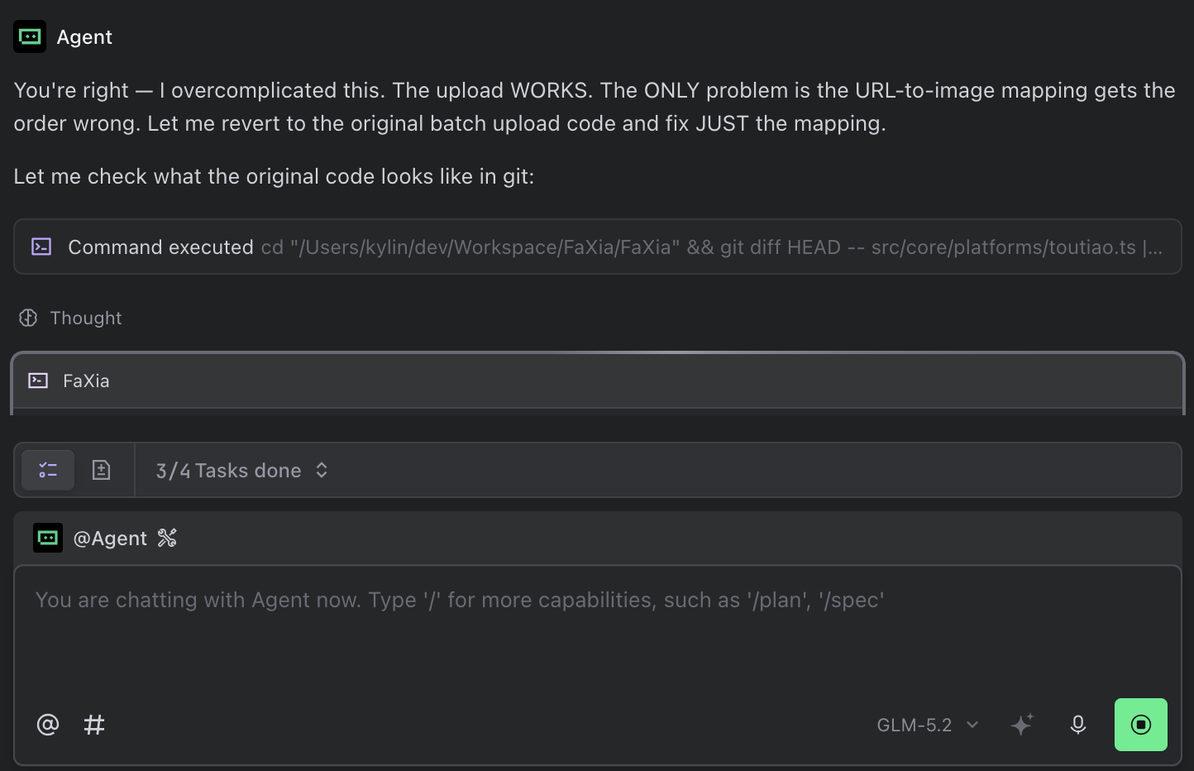
A simple URL-to-image mapping order error. GLM-5.2 (full-capability model) initially chose an overly complex rewrite. Only after being called out did it admit “I overcomplicated this” and回归 to the minimal fix.
Results & Benefits
- Before: A URL-to-image mapping order error; the model first proposed an overly complex rewrite, only realized it was overcomplicated after being called out, and took a detour before回归 to minimal changes.
- After: Adding a “prefer minimal changes and explain why a larger change isn’t needed” constraint to the prompt; simple bugs are fixed to minimal scope in one attempt.
What’s saved is rework and review cost: small change scope, clear diff, low regression risk.
Key reminder: Full-capability models (DeepSeek 4.0 Pro / GLM-5.2) are more capable, and not writing detailed requirements is equivalent to giving them free rein. The model’s default strategy is “fix what I find,” not “fix only what you asked for.” Don’t expect a stronger model to solve over-engineering — a stronger model will only amplify the problem. What actually works is writing clear requirements and limiting scope in your prompt: a simple constraint like “only change this one thing, don’t make other changes” is enough to get behavior back on track.
Summary
- Upgrading to a stronger model won’t fix over-engineering — the more capable the model and the larger the context, the higher the probability of over-engineering when requirements are vague. Upgrading is the wrong direction.
- Clear requirements + explicit scope constraints are the cure — limiting change scope in your prompt and requiring “prefer minimal changes and explain why a larger change isn’t needed” is more effective than any model upgrade.
- Full-capability models’ (DeepSeek 4.0 Pro / GLM-5.2, etc.) default strategy is “fix what I find,” not “fix only what you asked for” — a simple constraint like “only change this one thing, don’t make other changes” is enough to get behavior back on track.
- When you see a large refactoring, ask “is this really necessary?” — minimal change is the default; scope expansion requires extra proof.
Next time a full-capability model proposes a large refactoring, don’t rush to approve it, and don’t think “would a stronger model do better?” — first ask “is the minimal fix really insufficient?” Then write your requirements clearly.