Traditional Tools Are Retiring — AI Agents Now Run the Show
The one-line version: dev, office, design, and collab tools haven’t disappeared — they’ve moved behind AI Agents and now run as the backend those agents call. Humans no longer operate them directly.
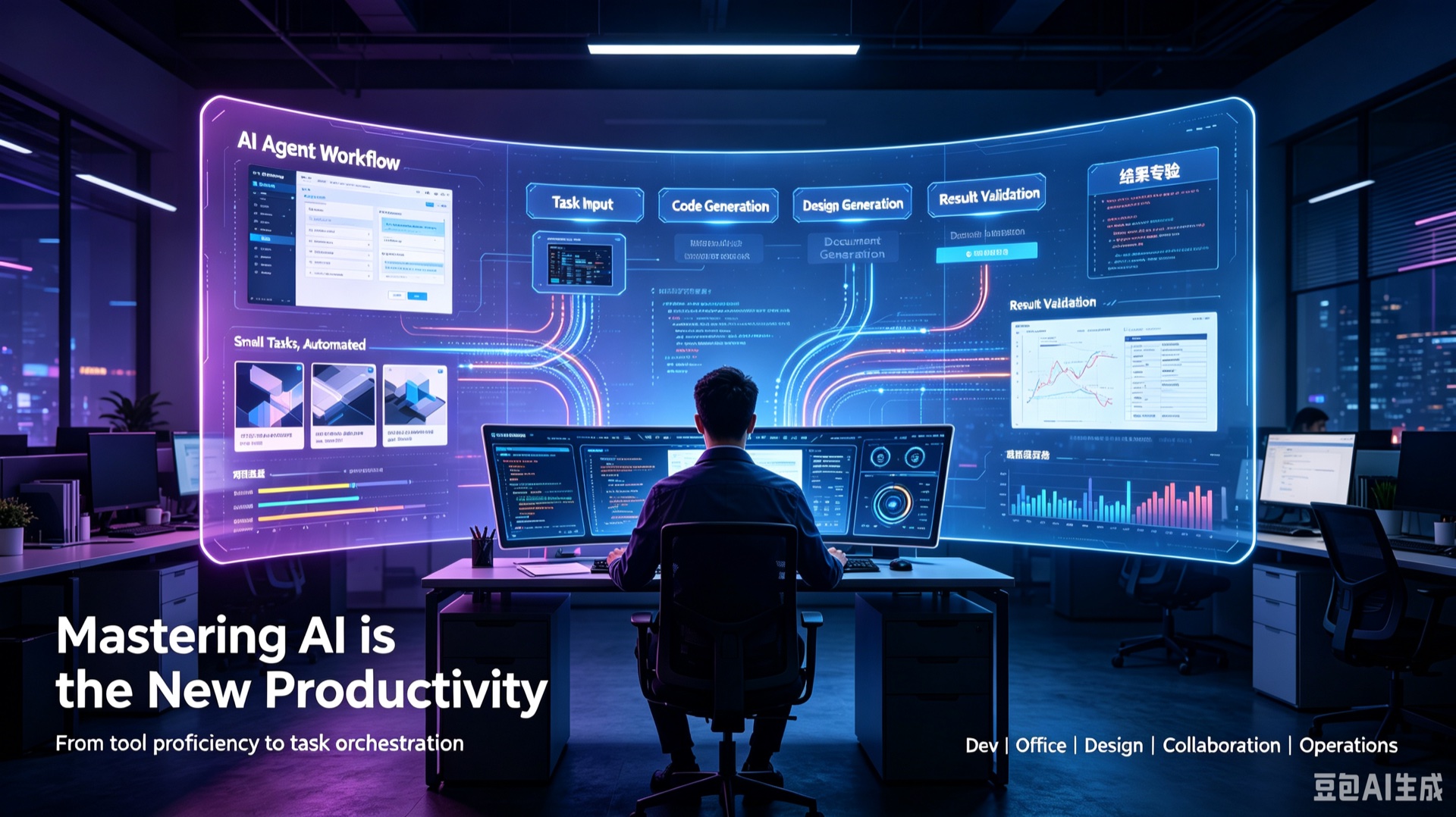
Why this matters
The old workplace edge was “which software do you know best.” The new edge is “who can hand requirements to an AI, set the standard, and validate the result fastest.”
This isn’t a version update — it’s a restructuring of how work gets done. This piece covers the deepest AI Agent adoptions of 2025–2026: dev IDEs, Office suites, Figma/Adobe design, JIRA collaboration, and machine-init ops. It deliberately doesn’t cover academic surveys or single-model benchmarks.
Three key takeaways
- Tool demotion is a fact, not a transition — Office, Figma, Adobe, JIRA, and IDEs now serve “the AI Agent” instead of “the worker.”
- Core capability is converging on three things — precise requirement breakdown, clear rule definition, strict result validation.
- Even ops basics are being automated — machine setup like installation and env config is now a one-click AI skill (
laptop-setup).
Why traditional tools are gathering dust
The old productivity list was hard: developers needed Visual Studio, Xcode, Android Studio; office work ran on PowerPoint and Office; designers lived in Figma and Adobe; teams coordinated through JIRA.
But lately you’re opening these far less. Not because they got worse — because your front door changed. The tools you open every day to produce work are AI agents now. Coding, copywriting, design, and project planning all migrated to an AI client.
Old-era tools centered on humans; the new AI era centers on tasks. That’s the essence of the productivity shift.
From dev to the whole industry: work patterns have changed
The old logic was simple: master the tool, do the work by hand. Developers wrote every line and chased bugs; designers manually laid out and retouched; office workers pulled all-nighters on decks and docs. All the repetitive, low-level work was done by people.
Now the logic is inverted: you state the requirement, set the standard, let the AI execute.
For developers the curve is sharpest. The heavyweight IDE sits idle as the backend AI calls to compile, debug, and package. Nobody reads every line of AI-generated code — the volume makes line-by-line review impractical. Instead you validate through automated tests and skim the AI’s structured summaries to control overall logic and risk.
| Role | What it used to take | What happens now |
|---|---|---|
| Developer | Write every line, read source, debug by hand | IDE only compiles/debugs; AI writes the code |
| Knowledge worker | Overtime on decks, docs, aligning progress | AI drafts the deck, docs, and progress summary |
| Designer | Manual layout, retouching, tweaking styles | AI generates the visual; designer does final pass |
| Project manager | Manually build tasks in JIRA, chase progress | AI breaks down requirements, iterates, summarizes |
The final fate of traditional tools: from workbench to AI backend
“Demotion” doesn’t mean “extinction.” Office, Figma, JIRA, IDE, and Adobe are still in service — they’ve just left the “human-facing front end” and completed a role downgrade.
These tools carry years of mature standards, compilation capability, and compatibility that AI can’t fully replace yet. But their customer changed from “the worker” to “the AI Agent”:
- AI generates code → calls the IDE to compile and debug
- AI generates a design → leans on Figma/Adobe for standards compliance
- AI sorts the project logic → syncs to JIRA for archival
- AI drafts the content → relies on Office for formatting
The person directs the AI; the AI calls the tool. The tool fades behind the scenes, no longer needing human operation.
The new core workplace skill: not knowing tools, but driving AI
The skills that used to separate people — tool fluency, operational speed, fine-grained polish — are being diluted fast. Today, what determines your output narrows to three things:
- Precise requirement breakdown — turning a vague goal into executable subtasks.
- Clear rule definition — telling the AI your standards, boundaries, and red lines.
- Strict result validation — checking output through tests, reviews, and spot checks.
You don’t need to master every complex feature or polish repetitive operations by hand. You need to be explicit about goals, standards, and boundaries — then validate the result.
Closing thoughts
Beyond Classic IDE, PPT, Figma, JIRA, and Adobe are all stepping back in sync. This isn’t tool iteration — it’s a complete rebuild of how whole industries work.
Even machine setup — installation, environment configuration, validation — is now fully automated by AI skills. The laptop-setup skill installs tools, configures environments, and validates machines across platforms, handing off even ops-style manual work.
- English docs: https://github.com/KylinLabAI/kylinlab.tech.skills/blob/master/skills/laptop-setup/SKILL.md
From working, designing, and collaborating to machine setup, human effort is exiting repetitive tool operations. The future of productivity was never about software fluency — it’s about driving AI.
Traditional tools are retiring. AI Agents now run the show.
If you’re also living this shift — ask yourself which apps you open because you must, versus because they’re now behind an AI you direct. Drop your experience in the comments.